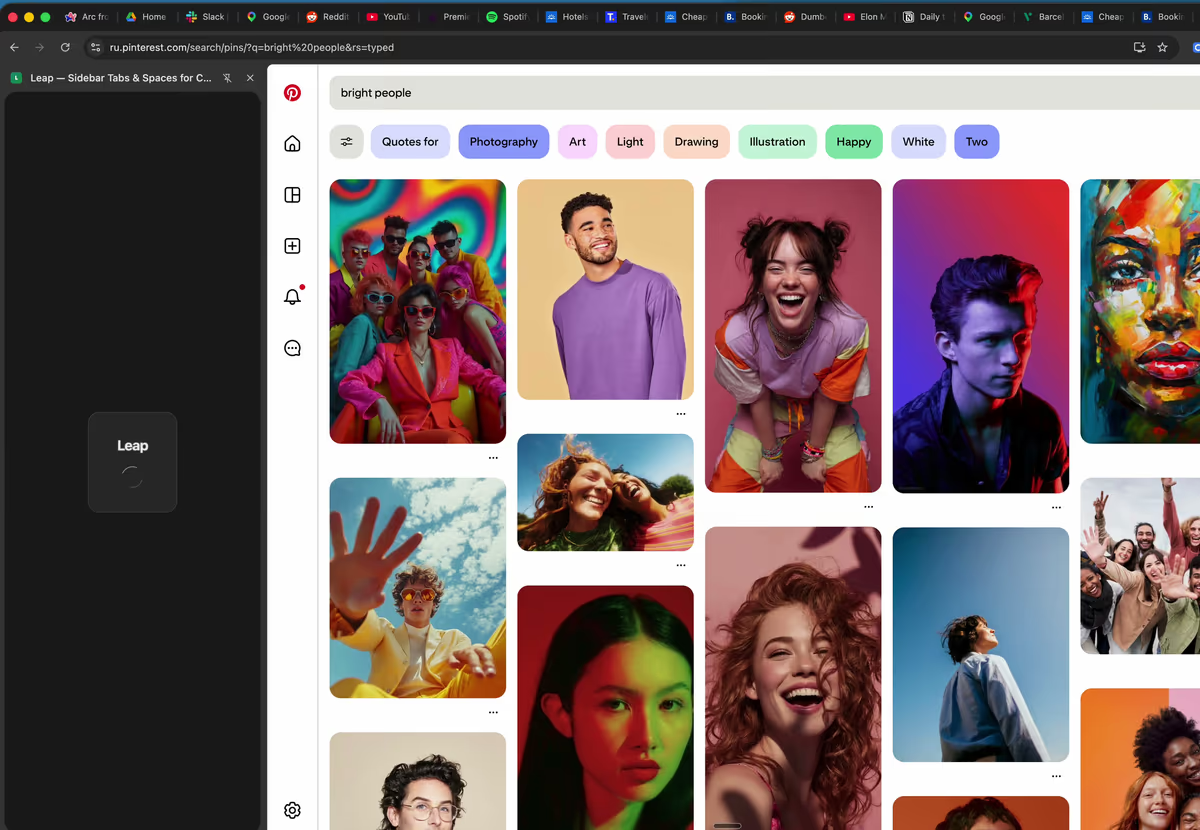
Work, side project, personal browsing — each gets its own space with dedicated tabs, folders, and pins. Switch contexts in a single click, not a mental juggling act.
Chrome squishes 30 tabs into tiny icons. Leap replaces them with a clean vertical sidebar — searchable, scrollable, and pinnable. You'll wonder how you ever lived without it.
Hit one button. Leap's AI scans every tab, groups them into spaces and folders, and hands you a tidy browser. Accept with a click — or tweak first. Your call.
Drag tabs between spaces. Nest folders 3 levels deep. Reorder anything. Right-click for power moves — copy links, rename, duplicate, mute. Total control, zero friction.
Dark mode for midnight coding. Light mode for morning email. Set a different theme per space, pick from dozens of accent colors, and make Chrome feel like it was designed for you.
| Feature | Leap | OneTab | Workona | Chrome Tab Groups |
|---|---|---|---|---|
| Vertical tabs sidebar | ✓ | ✗ | ✓ | ✗ |
| Workspaces / Spaces | ✓ | ✗ | ✓ | ✗ |
| AI tab organization | ✓ | ✗ | ✗ | ✗ |
| Nested folders | ✓ | ✗ | ✓ | ✗ |
| Drag & drop | ✓ | ✗ | ✓ | Limited |
| Cloud sync | ✓ | ✗ | Paid | ✗ |
| Themes / dark mode | ✓ | ✗ | ✗ | ✗ |
| Keyboard shortcuts | ✓ | ✗ | ✓ | Limited |
| Free plan | ✓ | ✓ | ✓ | ✓ |
| Pin sites | ✓ | ✗ | ✗ | ✗ |
No credit card needed. 7-day Pro trial included. Cancel anytime.
Free forever
or €29.99/year Save 37%
When Arc Browser shut down in 2025, thousands lost their favorite way to browse. Leap picks up right where Arc left off — spaces, vertical tabs, smart organization — all inside Chrome. No new browser, no learning curve. Also a perfect fit if you're coming from Vivaldi, Zen Browser, Edge sidebar, or Opera workspaces.
Add to Chrome