- What it is
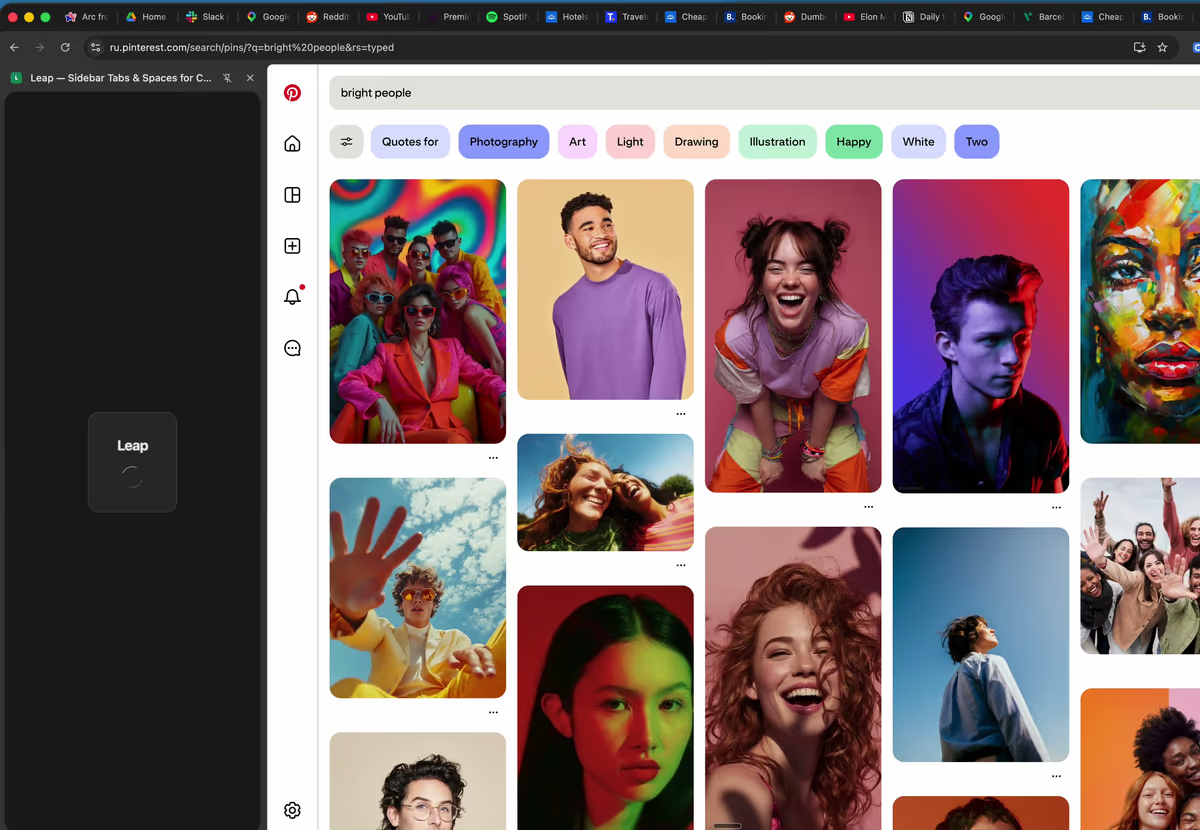
- A Chrome extension that adds a vertical sidebar (Chrome’s side panel) with spaces, saved tabs, folders and pinned sites. Not a separate browser.
- Spaces
- Each space is built on a Chrome tab group in the same window. Switch spaces in one click from the bar at the bottom of the sidebar. Unlimited spaces.
- Saved tabs that stay
- Save a tab into a space or folder, close it in Chrome, and it stays in the sidebar — one click reopens it.
- Nested folders
- Folders inside folders, up to three levels deep.
- Pinned sites
- Pin the sites you open every day to the dock. A click focuses the tab you already have instead of opening a duplicate; if a site shows an unread count in its tab title, the count appears on the icon.
- Open tabs
- Your open tabs are listed below your saved ones, and the section can be collapsed.
- Make it yours
- Name, emoji, color and background for every space. Dark and light themes.
- Saving
- Right-click any page → “Save to Leap”. Two shortcuts: Alt+S opens or closes the sidebar, Alt+Shift+S saves the current tab.
- Sync and sign-in
- No sign-up to start. Spaces, saved tabs, folders, pins and settings sync to Leap’s server whether you sign in or not. Sign in with email in any supported browser, or with Google in Chrome, to get the same spaces on another computer.
- Browsers
- Chrome and other Chromium browsers such as Edge, Brave and Vivaldi. Google sign-in works only in Chrome; elsewhere sign in with email. No Firefox or Safari.
- Price
- Free. Every feature, for everyone — no trial, no credit card.
- Privacy
- Only tabs you explicitly save are synced; your browsing history is not. Leap does not sell your data. Deleting your account removes sign-in immediately and synced data within 30 days.